







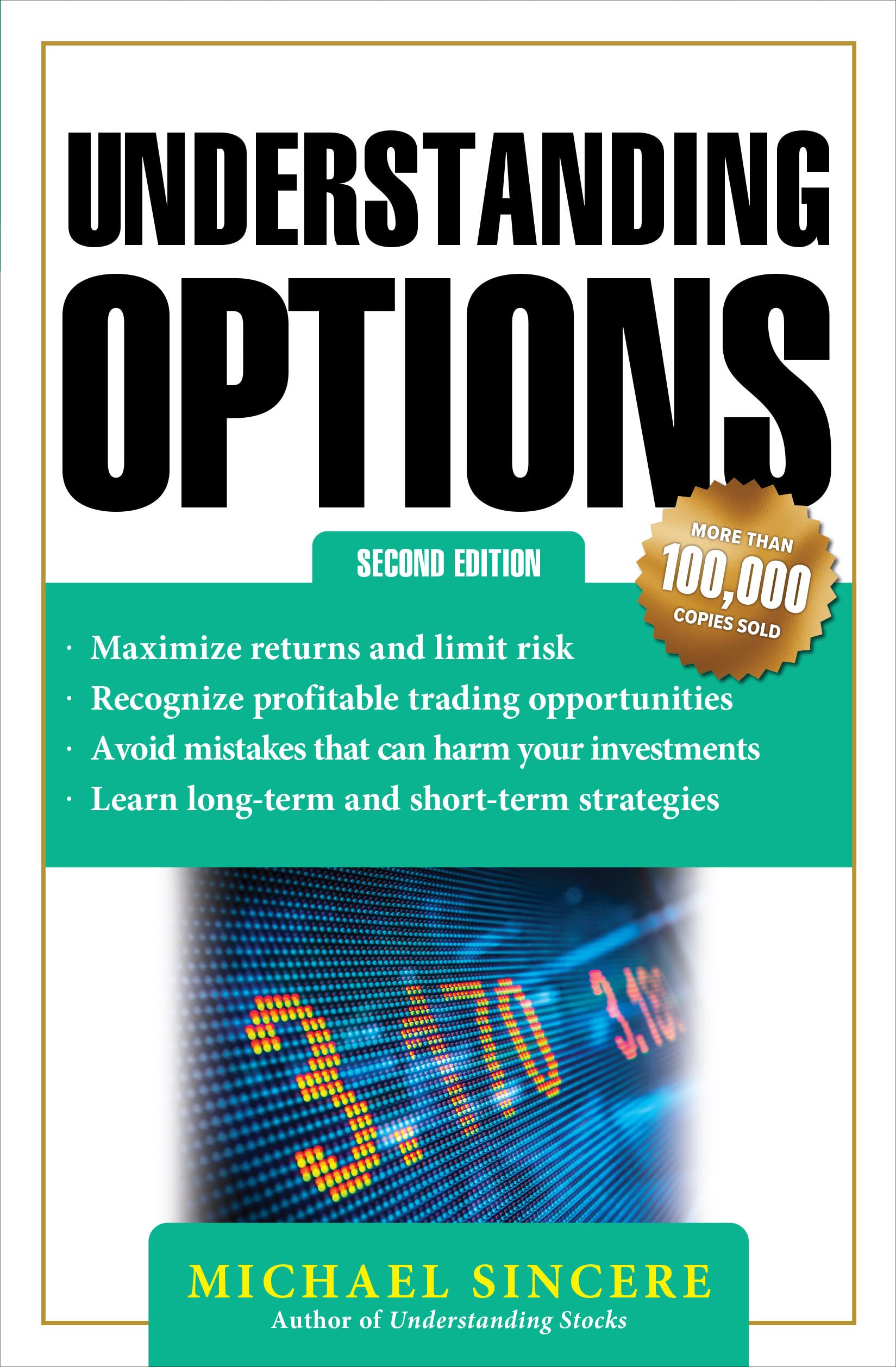


SKU/Artículo: AMZ-1484288491
Understanding Microsoft Intune: Deploying Applications Using PowerShell
Format:
Paperback
Detalles del producto
Disponibilidad:
En stock
En stock
Peso con empaque:
0.32 kg
0.32 kg
Devolución:
Sí
Sí
Condición
Nuevo
Nuevo
Producto de:
Amazon
Amazon
Viaja desde
USA
USA
Sobre este producto
- Learn to deploy simple and complex applications that are beyond the scope of default Intune application deployment scenarios and limitations. This book will help you deploy applications using a PowerShell script. The book starts with PowerShell Cmdlets to get an understanding of deployment through PowerShell scripts. Next, you will learn how to work with msiexec where you will learn which properties of your MSI can be set and what values can be passed to them, even if you do not know what the properties and values initially are. Further, you will learn how to install and uninstall a Setup.exe and how to determine the silent switches, along with MSI extraction methods. You will then learn detection rules using PowerShell, including how to detect by registry or application version and build numbers as well as using custom PowerShell detection rules. You will then gain an understanding of the location to run the script. Moving forward, you will go through installinga program by calling MSI or Setup.exe using PowerShell and how to handle spaces in the filenames. Following this, you will go through how to deploy the various script types in Intune; whether it is a standard script, or if the whole script is a function or contains functions, or if it has an entry point. Deployment Templates and application preparation in Intune are discussed next, along with the process to create the .Intunewin with the Intune Winapp Util. You will then learn how to uninstall previous applications before a new deployment. You'll also be walked through useful snippets and examples of deployment where you will be able to utilize all the aspects of deployment in Intune discussed in prior chapters. After reading the book, you will be able to manage application deployments and detection rules using PowerShell with Microsoft Intune. What You Will Learn:How to find valid properties and values to use with msiexecUsing PowerShell for detection ruleDeploying using a template for reliable and repeatable deploymentsHow to create the Windows App (Win32) App Who Is This Book For:I.T Professionals who manage application deployments using Microsoft Intune.
AR$120.196
60% OFF
AR$48.079
IMPORT EASILY
By purchasing this product you can deduct VAT with your RUT number
AR$120.196
60% OFF
AR$48.079
 Llega en 8 a 12 días hábiles
con envío
 Tienes garantía de entrega
Este producto viaja
de USA ![]() a tus manos en
a tus manos en
![]()
 a tus manos en

Compra protegida
Disfruta de una experiencia de compra segura y confiable
Tarjetas de Crédito y Débito

Visa

Mastercard

American Express
Pagos a través de PayPal
Compra procesada en dólares con dinero en cuenta o tarjetas internacionales.

Paypal
Pagos a través de MODO
Compra procesada en pesos desde la App de tu banco.

PayPal

