













SKU/Artículo: AMZ-B07FYY3H5F
Sintech
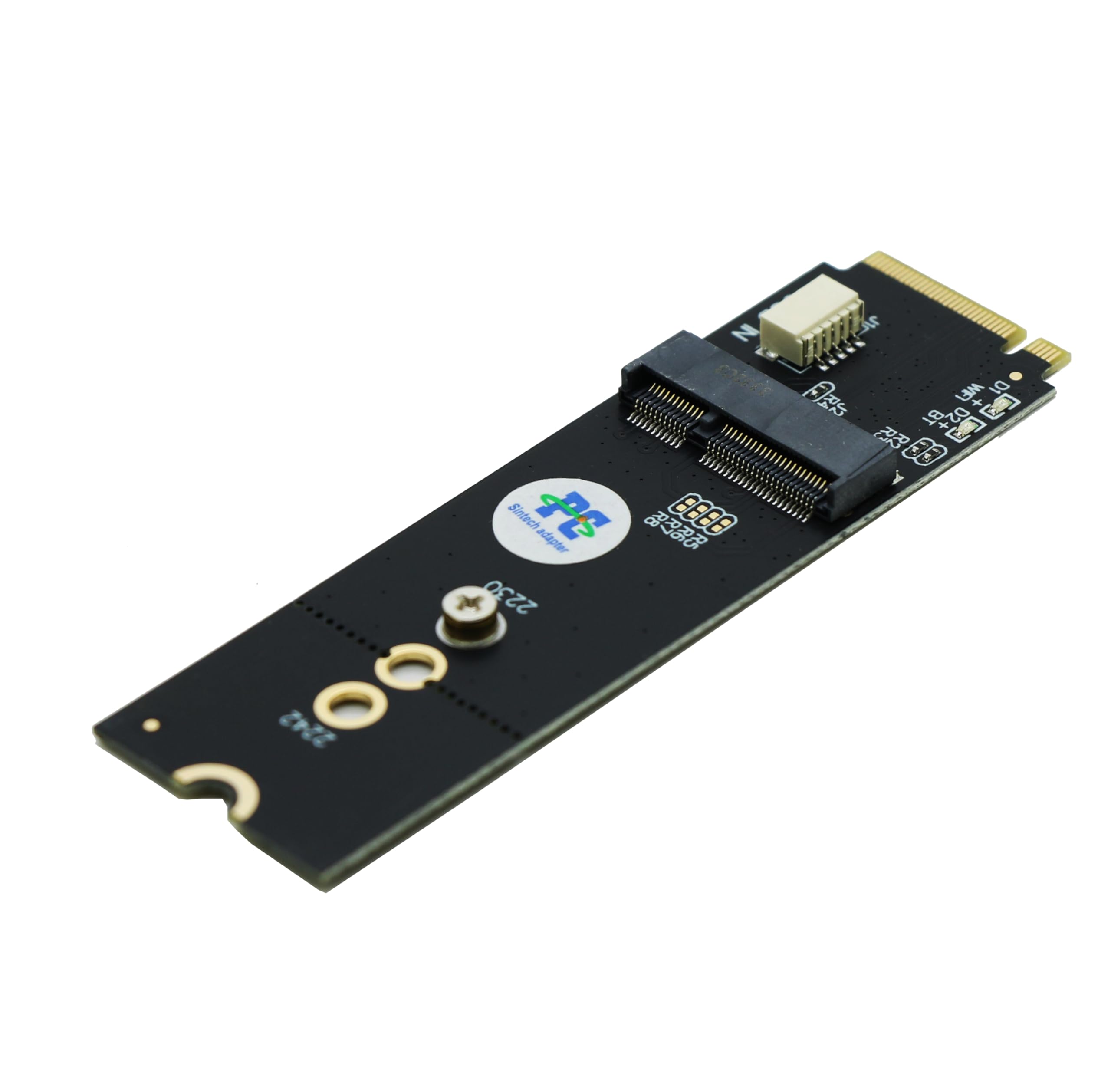
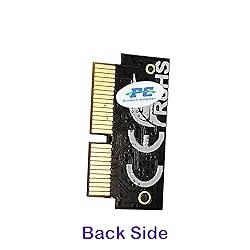
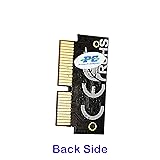
Sintech NGFF M.2 nVME SSD Adapter Card for Upgrade MacBook Air(2013-2016 Year) and MacBook PRO(Late 2013-2015 Year)
Item Package Quantity:
1
Color:
BLACK
Detalles del producto
Disponibilidad:
En stock
En stock
Peso con empaque:
0.15 kg
0.15 kg
Devolución:
Sí
Sí
Condición
Nuevo
Nuevo
Producto de:
Amazon
Amazon
Viaja desde
USA
USA
Sobre este producto
- NOTICE:because too many customers can use it,I suggest you to try it again if your MAC can't detect nVME SSD. Pls notice to insert card fully into SSD slot and you must prepare bootable USB disk(see third point) with High Sierra to format M.2 SSD first, it can't support recover from internet. main steps are as following: 1. Make sure to move to High Sierra while still on your old drive, so that a newer firmware is installed that can handle NVME. 2. Do a full backup to your TimeMachine. 3. Create a High Sierra Installer on a bootable USB stick. 4. Open the macbook and disconnect the battery while switching out the drive and make sure both adapter and new SSD sit snug. Finally reconnect the battery before closing the shell. 5. Insert the Installer USB stick from step 2, and press the option key while the machine starts. Once it's up you can now go to the disk utils to format
AR$24.018
31% OFF
AR$16.560
IMPORT EASILY
By purchasing this product you can deduct VAT with your RUT number
AR$24.018
31% OFF
AR$16.560
 Llega en 8 a 12 días hábiles
con envío
 Tienes garantía de entrega
Este producto viaja
de USA ![]() a tus manos en
a tus manos en
![]()
 a tus manos en

Conoce más detalles
Notice: The card comes with blak film covering pins and Sintech install guide paper-card.【ONLY Sintech Adapter sell Sintech-brand】 Support Adata NVMe SSD : SX6000, SX7000, SX8200, SX8200 Pro etc,Corsair : MP500, MP510,Crucial : P1,HP: ex920, ex950 Support Intel NVMe SSD : 600p, 660p, 760p,Toshiba XG3-XG4-XG5-XG5p-XG6 line,Samsung: 960 Evo, 960 Pro, 970 Evo, 970 Pro,WD:v1, v2 and v3,MyDigital: SBX - BPX NOT Support: PM981,950 Pro ,WD Blue NvME SN570 /SN770 Important Notice: It can't support recovering from internet,important to prepare bootable USB disk driver(M.2 PCIe has no OS systerm inside,it must be erased first),if you don't know how to do this, you can ask for help. There is hibernation for all 2013-2014 Macs,you can set it to resolve this problem as guider in attached photo.If you meet unbootable after installing MAC OS,pls reset "NVRAM" by Hold Down "CMD+Option+P+R".
Compra protegida
Disfruta de una experiencia de compra segura y confiable
Tarjetas de Crédito y Débito

Visa

Mastercard

American Express
Pagos a través de PayPal
Compra procesada en dólares con dinero en cuenta o tarjetas internacionales.

Paypal
Pagos a través de MODO
Compra procesada en pesos desde la App de tu banco.

PayPal

