





















SKU/Artículo: AMZ-B0CM6FSPY3
UGREEN
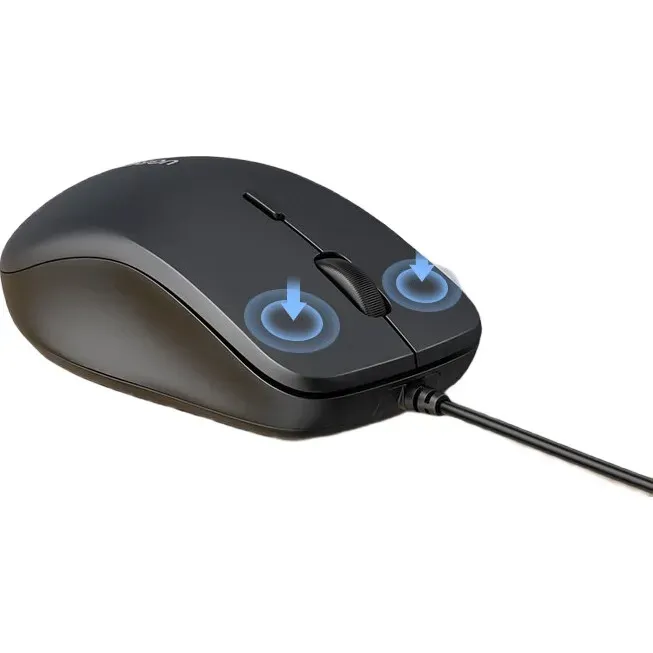
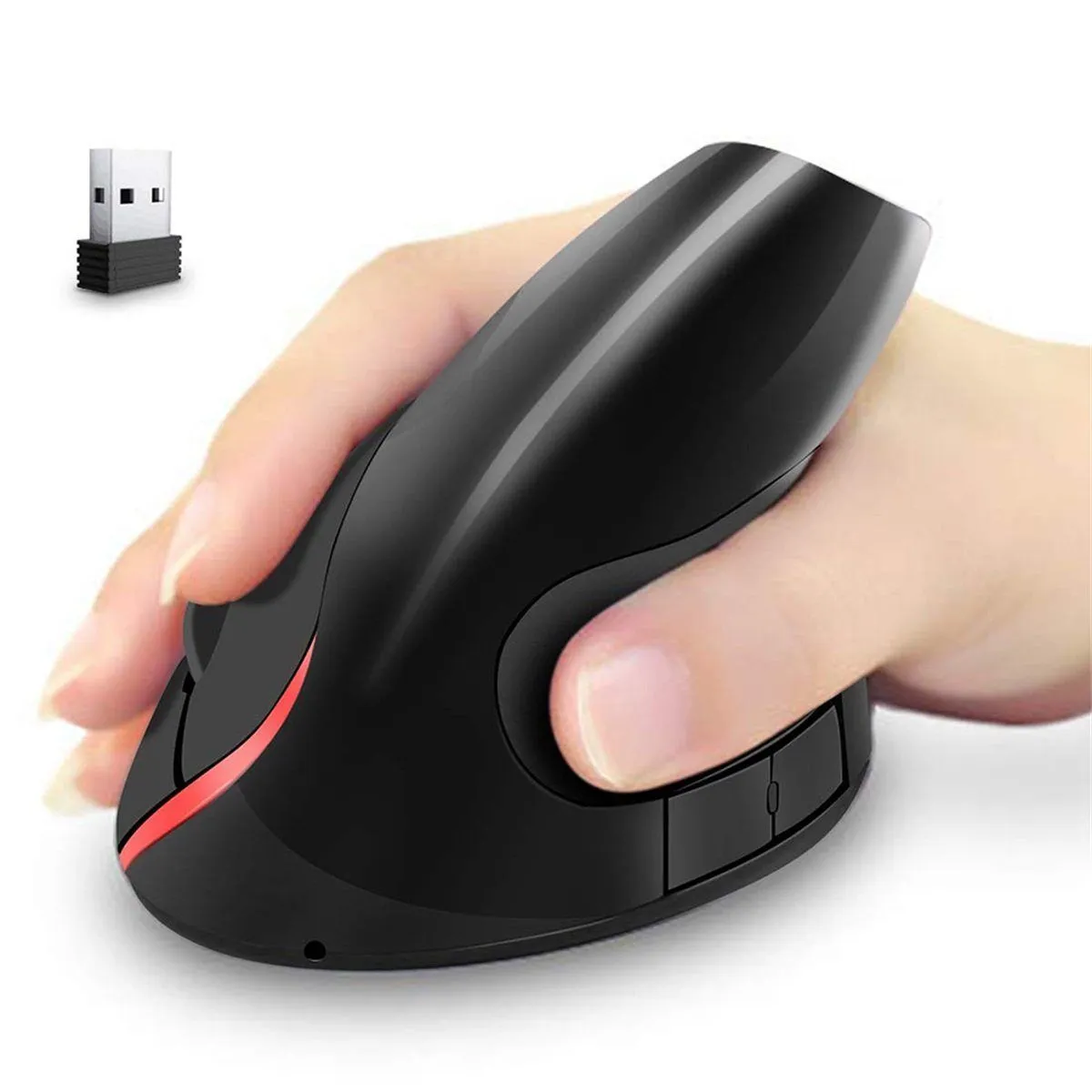
UGREEN Vertical Wireless (Bluetooth 5.0+2.4G) Ergonomic Mouse with 5 Buttons, 1000/1600/2000/4000 DPI, Prevention of Mouse Arm, Vertical Mouse Compatible with PC/Laptop/Tablet, Black
Detalles del producto
Disponibilidad:
En stock
En stock
Peso con empaque:
0.15 kg
0.15 kg
Devolución:
Sí
Sí
Condición
Nuevo
Nuevo
Producto de:
Amazon
Amazon
Viaja desde
USA
USA
Sobre este producto
- UGREEN Vertical Ergonomic Mouse, Bluetooth & 2.4G, Quiet clicks, 4000 DPI Wireless Mouse 4 Adjustable DPI, Silent Mouse for Laptop, Mac, Chromebook, PC, Windows, Black
AR$59.413
44% OFF
AR$33.010
IMPORT EASILY
By purchasing this product you can deduct VAT with your RUT number
AR$59.413
44% OFF
AR$33.010
 Llega en 8 a 12 días hábiles
con envío
 Tienes garantía de entrega
Este producto viaja
de USA ![]() a tus manos en
a tus manos en
![]()
 a tus manos en

Conoce más detalles
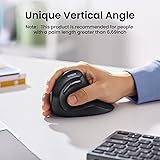
Ergonomic Design: UGREEN vertical mouse is designed with an ergonomic shape that contours the natural curvature of your hand, providing a comfortable and fatigue-free grip 57° Vertical Angle: The wireless mouse features a precisely angled 57° vertical design, optimized for natural and comfortable hand positioning. This angle not only reduces wrist strain but also aligns your hand and wrist in a more relaxed position;Note:The product is equipped with a 6.69-inch palm length. Dual Connectivity with Bluetooth and 2.4G: The mouse offers both Bluetooth and 2.4G wireless connections, giving you the flexibility to pair with multiple devices simultaneously. The Bluetooth connection ensures secure and stable connectivity within a range of up to 10 meters, providing seamless performance even in busy environments High DPI and Adjustable Levels: This ergonomic mouse offers a high DPI range with four adjustable levels: 1000, 1600, 2000, and 4000. This provides exceptional precision and control for both desktop and gaming applications Compatibility and Flexibility: UGREEN vertical mouse is designed with widespread compatibility in mind. It works seamlessly with both Mac and Windows systems, as well as various operating systems and devices Note: In Mac mode, the side forward button is used for switching to the next application(Command+]), and the side back button is used for switching to the previous application (Command+[).
Compra protegida
Disfruta de una experiencia de compra segura y confiable
Tarjetas de Crédito y Débito

Visa

Mastercard

American Express
Pagos a través de PayPal
Compra procesada en dólares con dinero en cuenta o tarjetas internacionales.

Paypal
Pagos a través de MODO
Compra procesada en pesos desde la App de tu banco.

PayPal

