












SKU/Artículo: AMZ-B0F47ZH1DD
WAVLINK
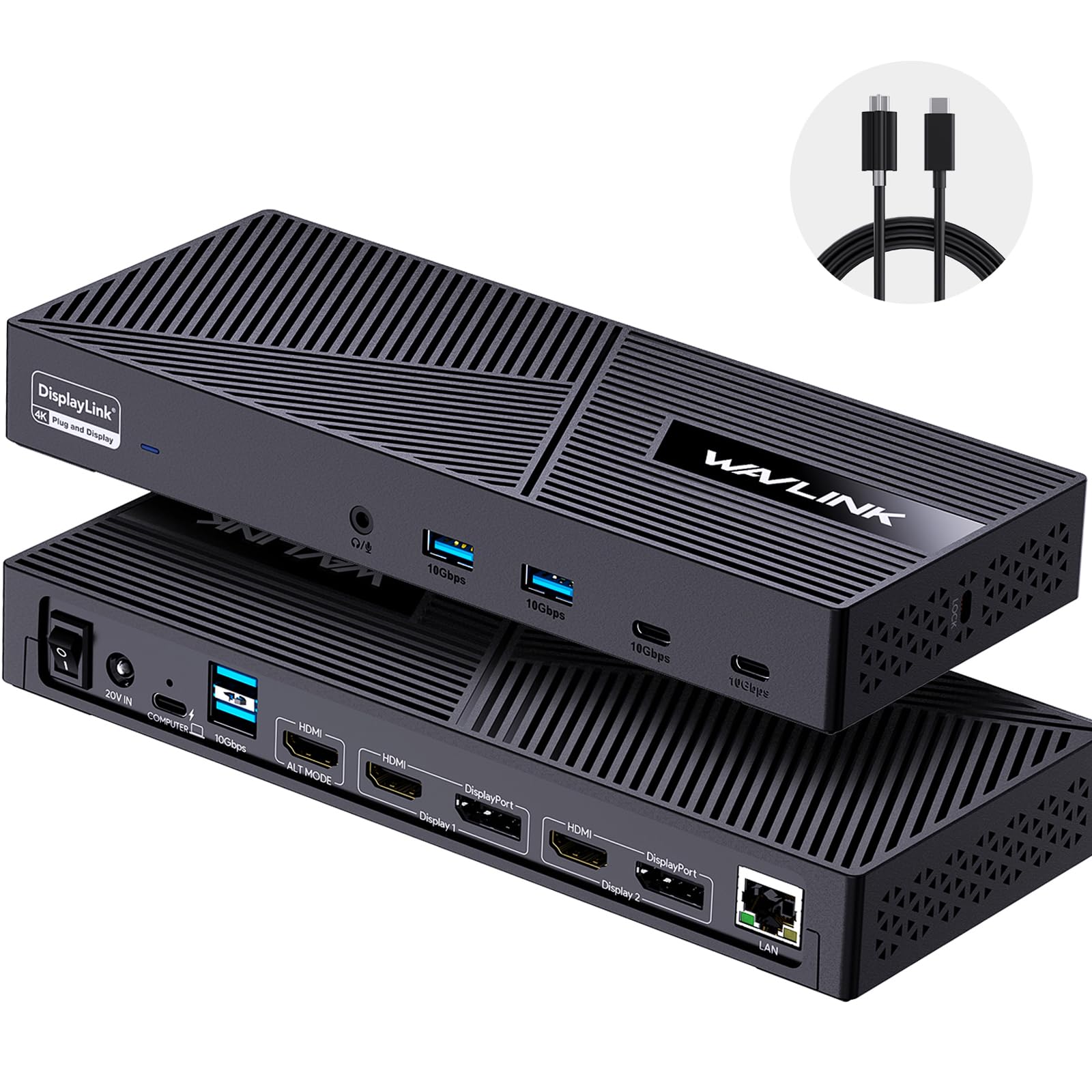
WAVLINK Pro Docking Station 5 Monitors, Up to Five 4K Displays for Mac & Windows, DisplayLink Dock with PD100W, 2X DP 1.4(120Hz), 2X HDMI 2.0, Alt HDMI, 2.5Gbps Ethernet, Driver Required DL7400
Color:
75PD5
Detalles del producto
Disponibilidad:
En stock
En stock
Peso con empaque:
0.81 kg
0.81 kg
Devolución:
Sí
Sí
Condición
Nuevo
Nuevo
Producto de:
Amazon
Amazon
Viaja desde
USA
USA
Sobre este producto
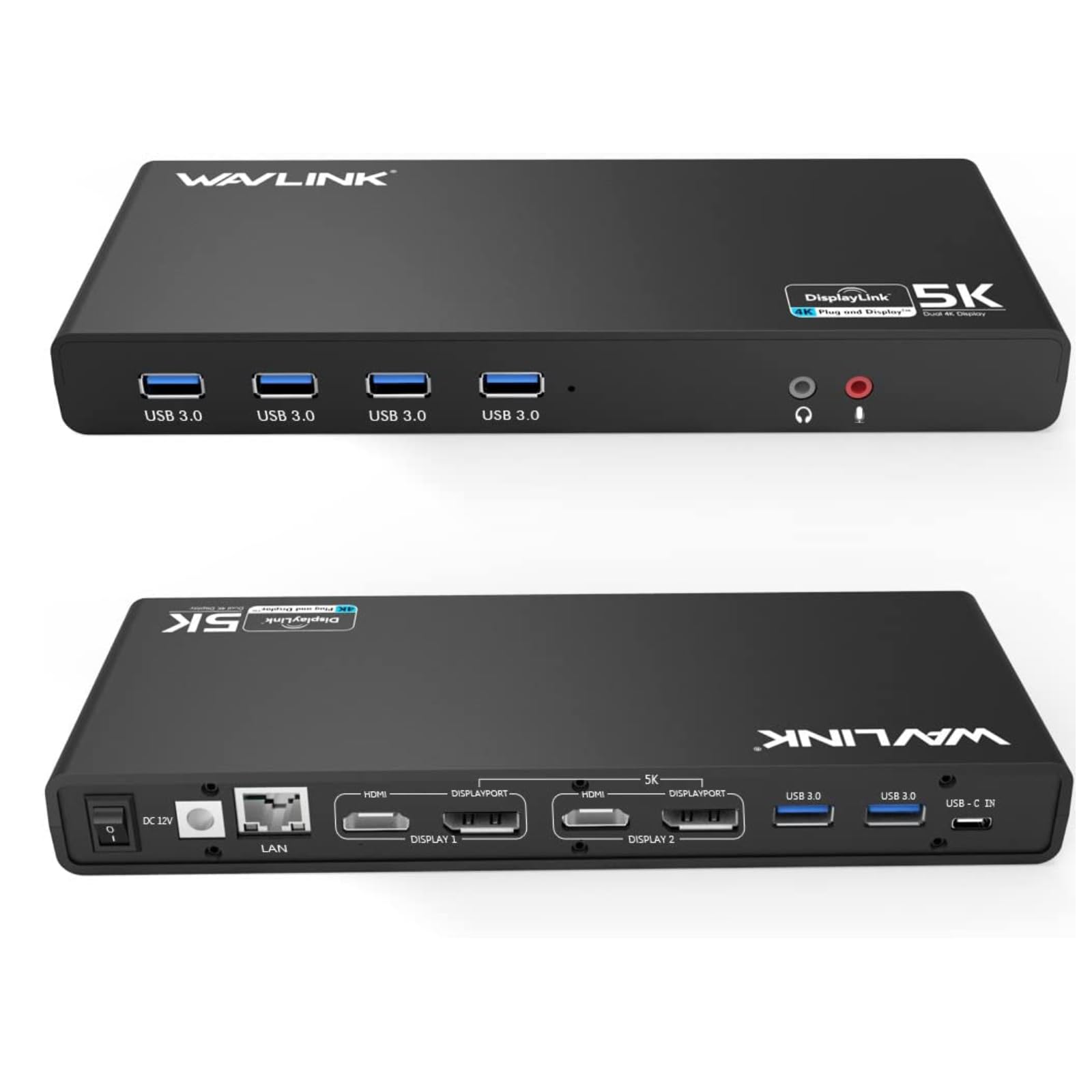
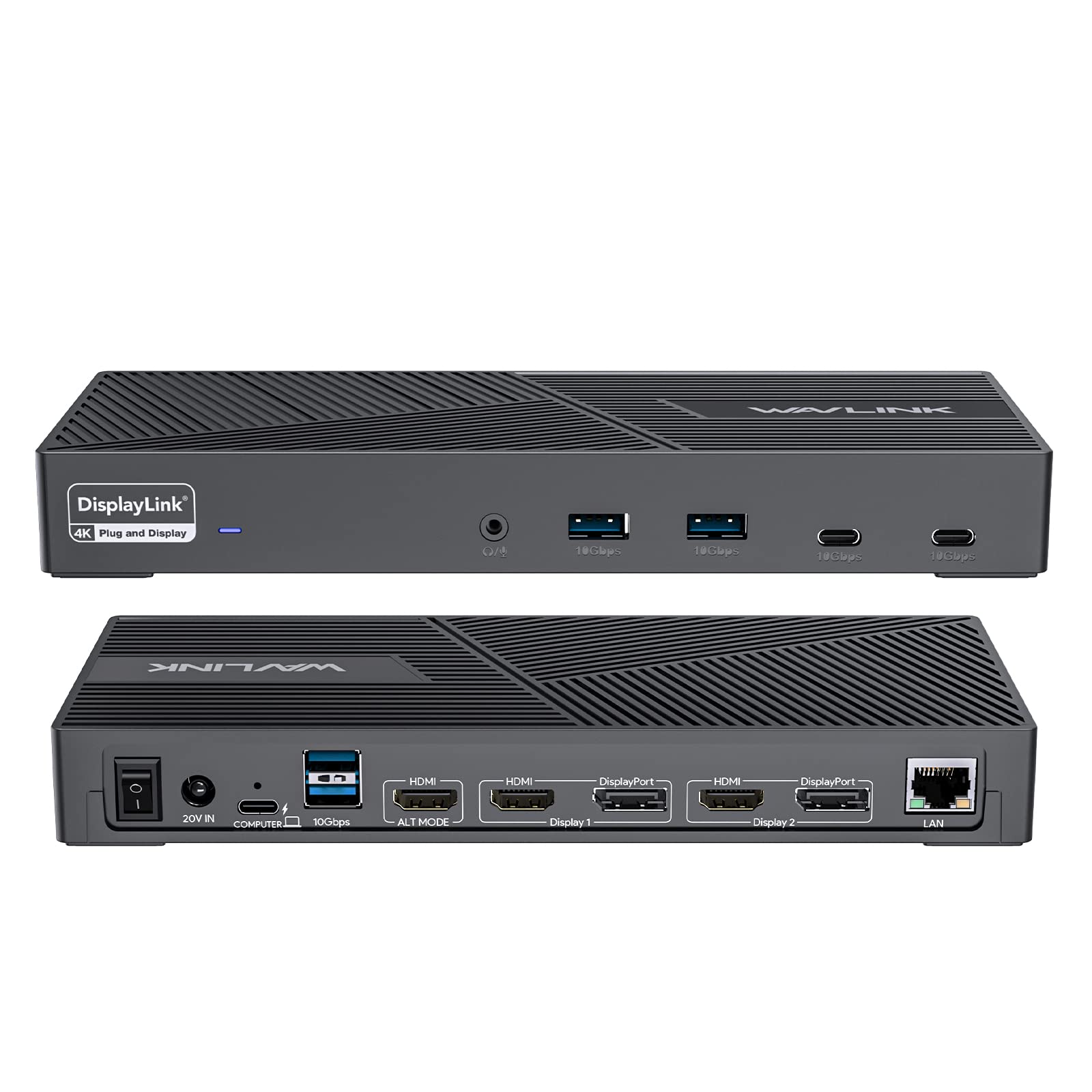
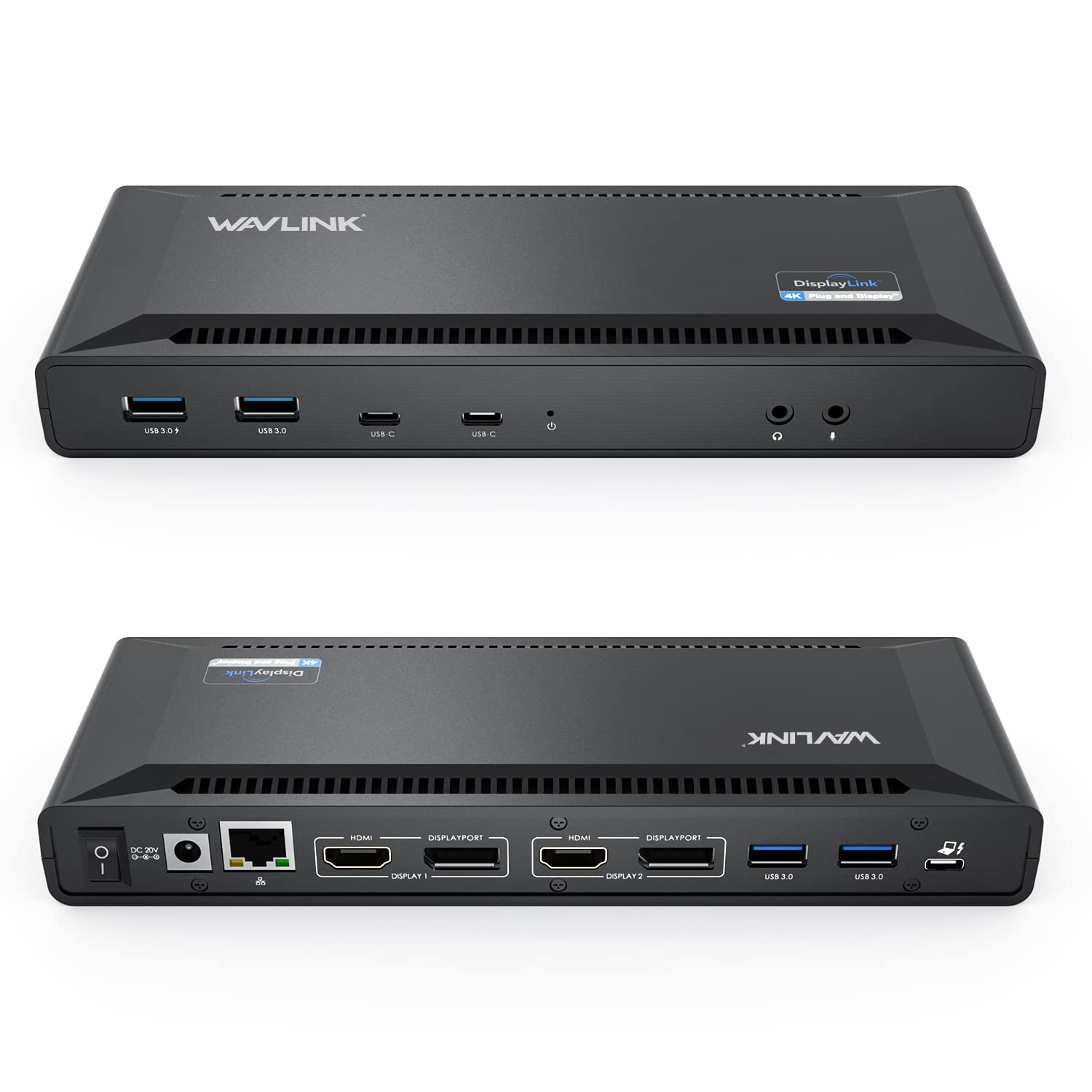
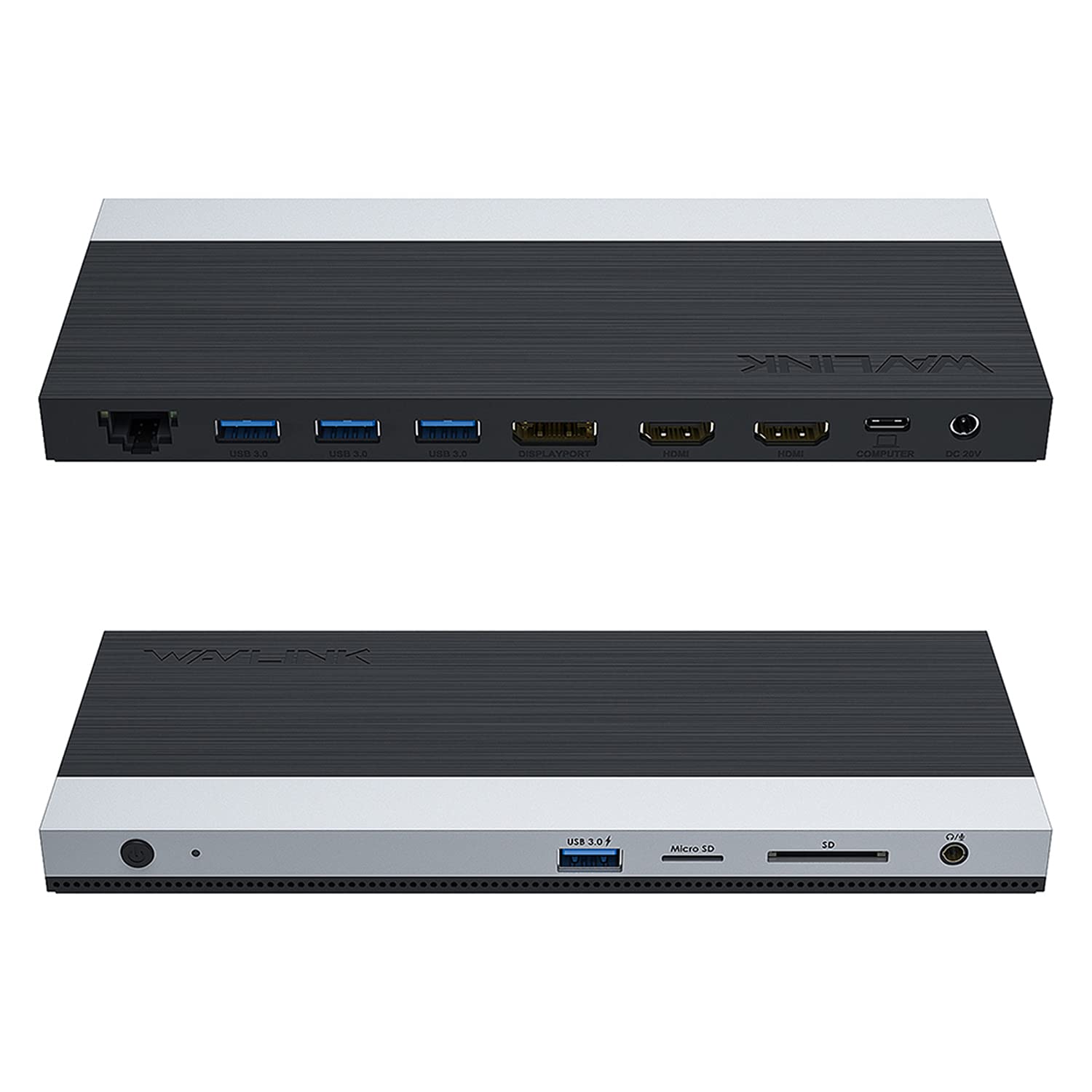
- "WAVLINK Universal Dual 8K / Quintuple 4K DisplayLink Docking Station The WAVLINK WL-UG75PD5-3H2D2 is a DisplayLink-based docking station built on the DL7400 chipset, designed for advanced multi-monitor workstation environments. It enables compatible laptops to expand up to five external displays, making it suitable for professional office productivity, financial trading, programming, data analysis, and enterprise workstation deployments. This docking station is not a Thunderbolt dock and does not provide Thunderbolt functionality. Thunderbolt 3 and Thunderbolt 4 ports are supported only through USB-C backward compatibility. This product prioritizes high monitor count, compatibility transparency, and stable productivity performance, rather than low-latency graphics. Display Architecture and Multi-Display Logic Four external displays are driven by DisplayLink DL7400 technology, which requires installation of the DisplayLink driver. The fifth display output depends on the host laptop’s USB-C port supporting video output (DisplayPort Alt Mode). Connection via USB-A supports DisplayLink display output but does not enable five-display expansion or Power Delivery charging. For full functionality, a USB-C connection with video output capability is required. DisplayLink technology allows more displays than native GPU ports by using software-based graphics processing. This makes it ideal for complex multi-screen workflows where direct display outputs are limited. Display Resolution and Refresh Rate Capabilities Display output capabilities depend on system performance, cable quality, monitor specifications, and display configuration. Single Display: DisplayPort 1: up to 8K@60Hz or 4K@120Hz DisplayPort 2: up to 8K@60Hz or 4K@120Hz HDMI 1 / HDMI 2 / HDMI 3: up to 4K@60Hz Dual Display: Dual DisplayPort: dual 8K@60Hz or dual 4K@120Hz DisplayPort + HDMI combinations: up to 8K@60Hz + 4K@60Hz Dual HDMI: up to 2x 4K@60Hz Triple Display: Various configurations support up to 8K@60Hz + 4K@120Hz + 4K@60Hz Quad Display: Up to 8K@60Hz + 4K@120Hz + 2x 4K@60Hz Quintuple Display: DisplayPort 1 + DisplayPort 2 + HDMI 1 + HDMI 2 + HDMI 3: Up to 4K@120Hz + 4K@120Hz + 3x 4K@60Hz High refresh rates are supported for productivity workflows. This docking station is not recommended for gaming or latency-sensitive applications. Hardware Specifications and Connectivity Model: WL-UG75PD5-3H2D2 Ports: 2 × DisplayPort++ (DSC, up to 8K@60Hz) 3 × HDMI (up to 4K@60Hz) 1 × USB-C host port with up to 100W Power Delivery 3 × USB-A 3.2 Gen 2 (10Gbps) 2 × USB-C 3.2 Gen 2 (10Gbps) 1 × RJ45 Ethernet (2.5Gbps) 1 × 3.5mm audio/microphone combo jack 1 × DC-IN (130W) Power button with LED indicator Supports high-speed data transfer, stable networking, audio input/output, and peripheral expansion for workstation environments. System Requirements and Driver Installation Installation of the DisplayLink driver is required. Drivers are available at displaylink.com → Products → DisplayLink Graphics → Downloads. After installing the driver, restart the system if prompted before connecting displays. The DisplayLink driver is widely used in enterprise environments, digitally signed, and regularly updated to maintain system compatibility and security. After major operating system updates, updating the DisplayLink driver may be necessary. For best performance, a system with 16GB RAM or more is recommended. Insufficient system memory may result in lag, flicker, or delayed screen response when using multiple displays. Operating System Compatibility Supported operating systems include: Windows 10 and Windows 11 macOS 11.x through macOS 15.x or later Chrome OS Ubuntu Android HarmonyOS For macOS, users must grant DisplayLink Manager screen recording permission for external displays to function correctly. This permission is required by macOS security design for software-based display rendering. Not supported: Linux distributions beyond listed versions, Unix systems, iOS, iPadOS, and Steam Deck. Usage Behavior, Limitations, and Troubleshooting If only one or two displays are active, ensure the DisplayLink driver is installed, displays are set to extended mode, and the host USB-C port supports video output. If all displays show the same content, mirror mode may be enabled in system display settings. If DisplayPort outputs do not reach expected refresh rates, verify monitor capability, cable quality, and manual display settings. High refresh rates depend on monitor support and overall system performance. Screen flickering or lag may be caused by insufficient system memory, outdated drivers, or heavy system load. Updating drivers and reducing background workloads typically resolves these issues. Content Protection, Gaming, and Media Use HDCP is not supported. DRM-protected content such as Netflix, Hulu, or iTunes cannot be played on external displays connected through DisplayLink. This docking station is designed for office productivity and professional multi-screen workflows and is not intended for gaming, VR, live video capture, or latency-sensitive applications. DisplayLink vs Thunderbolt Docking Stations Thunderbolt docking stations rely on native GPU output and provide lower latency but are limited by system compatibility and display count. DisplayLink docking stations prioritize higher monitor counts and broader compatibility, making them suitable for advanced workstation setups where multiple displays are required. Why Choose WAVLINK WAVLINK specializes in DisplayLink-based multi-monitor solutions, focusing on compatibility clarity, stable hardware design, and professional technical support. The WL-UG75PD5-3H2D2 is suitable for both individual professionals and enterprise workstation deployments requiring reliable multi-display expansion. Package Contents 1 × DisplayLink docking station 1 × USB-C to USB-C cable 1 × USB-C to USB-A adapter 1 × 130W power adapter 1 × AC power cable 1 × cable holder 1 × quick start guide"
AR$1.232.687
55% OFF
AR$560.310
IMPORT EASILY
By purchasing this product you can deduct VAT with your RUT number
AR$1.232.687
55% OFF
AR$560.310
 Llega en 8 a 12 días hábiles
con envío
 Tienes garantía de entrega
Este producto viaja
de USA ![]() a tus manos en
a tus manos en
![]()
 a tus manos en

Conoce más detalles
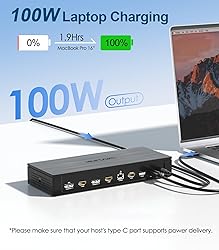
DL7400 DisplayLink Dock for Scalable Multi-Screen Workflows: Powered by the DisplayLink DL7400 chipset, this docking station enables Mac(M1/M2/M3/M4/M5) & Windows laptops to expand up to five external displays, making it ideal for multi-tasking professionals, trading desks, developers, and office workstations. Built for productivity and long-hour use — not designed for gaming or latency-critical applications. High-Resolution Display Support Where It Matters: Built to handle demanding displays, the dock features two DisplayPort outputs supporting up to 8K@60Hz or 4K@120Hz, along with three HDMI ports at up to 4K@60Hz. Ideal for users running high-resolution primary screens alongside multiple 4K monitors in a professional setup. How 5 Displays Are Achieved — Clear & Transparent: Four displays are driven by DisplayLink (DL7400), while the fifth display requires a laptop USB-C port with video output (Alt Mode). For smooth multi-monitor performance, please install the latest DisplayLink driver and use a system with 16GB RAM or more. USB-A connections support data and display output, but do not enable 5-display expansion or laptop charging. One Dock, Complete Workstation Connectivity with 100W PD: Connect monitors, storage, and peripherals through USB-C & USB-A 3.2 ports (10Gbps), 2.5Gb Ethernet, audio, and a USB-C host connection supporting up to 100W Power Delivery. Designed to power and organize high-performance laptop workstations with a single, stable dock. Verified Compatibility, Clear Boundaries & WAVLINK Technical Support: Compatible with Windows 10+, macOS 11.x+, ChromeOS. Works with laptops featuring USB-C, USB4, Thunderbolt 3/4/5, or USB-A ports — not provide Thunderbolt functionality. Backed by WAVLINK’s dedicated technical support team, experienced in DisplayLink (DL7400) multi-monitor environments, providing assistance with compatibility checks, setup, driver installation, and long-term workstation stability
Compra protegida
Disfruta de una experiencia de compra segura y confiable
Tarjetas de Crédito y Débito

Visa

Mastercard

American Express
Pagos a través de PayPal
Compra procesada en dólares con dinero en cuenta o tarjetas internacionales.

Paypal
Pagos a través de MODO
Compra procesada en pesos desde la App de tu banco.

PayPal

