





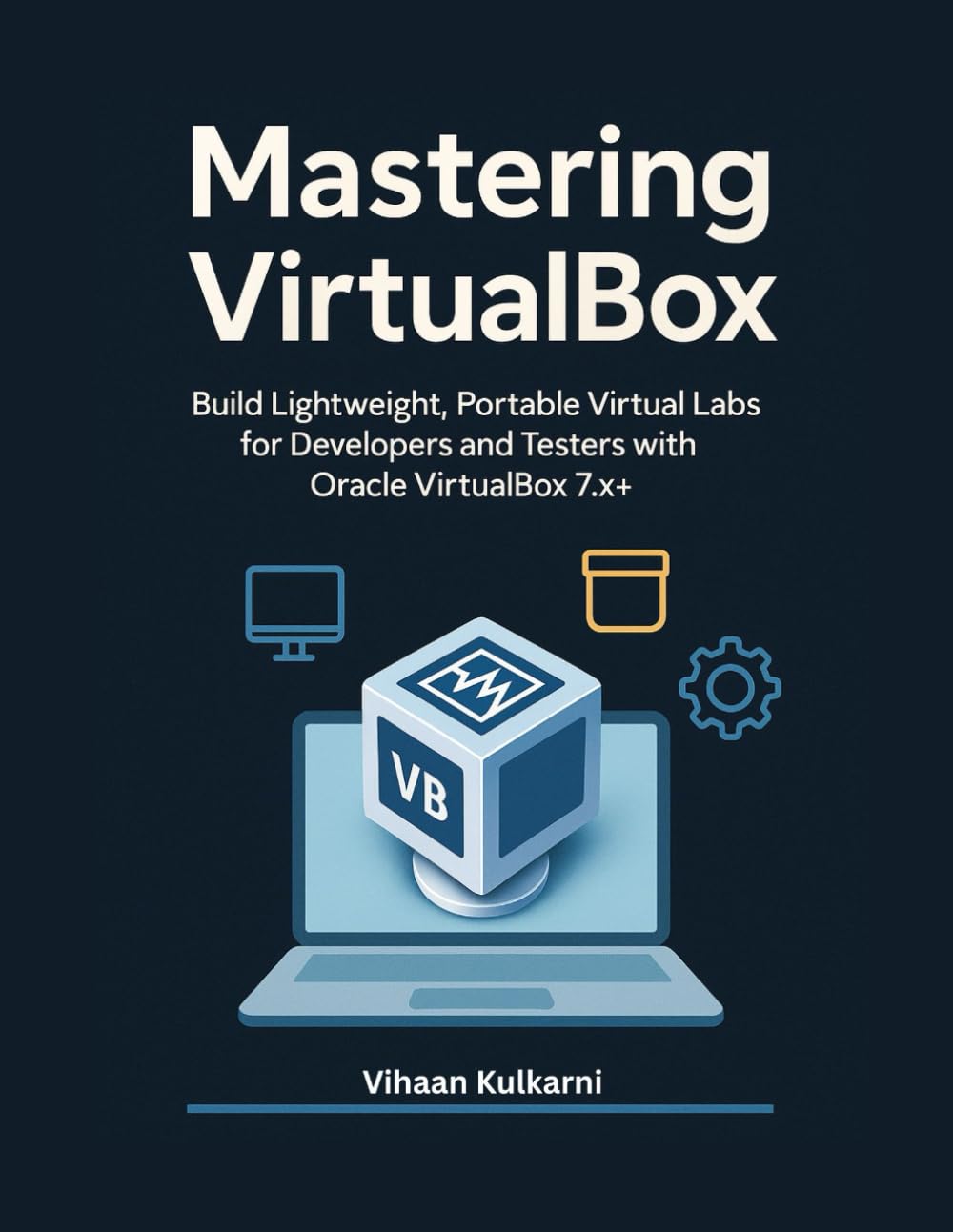

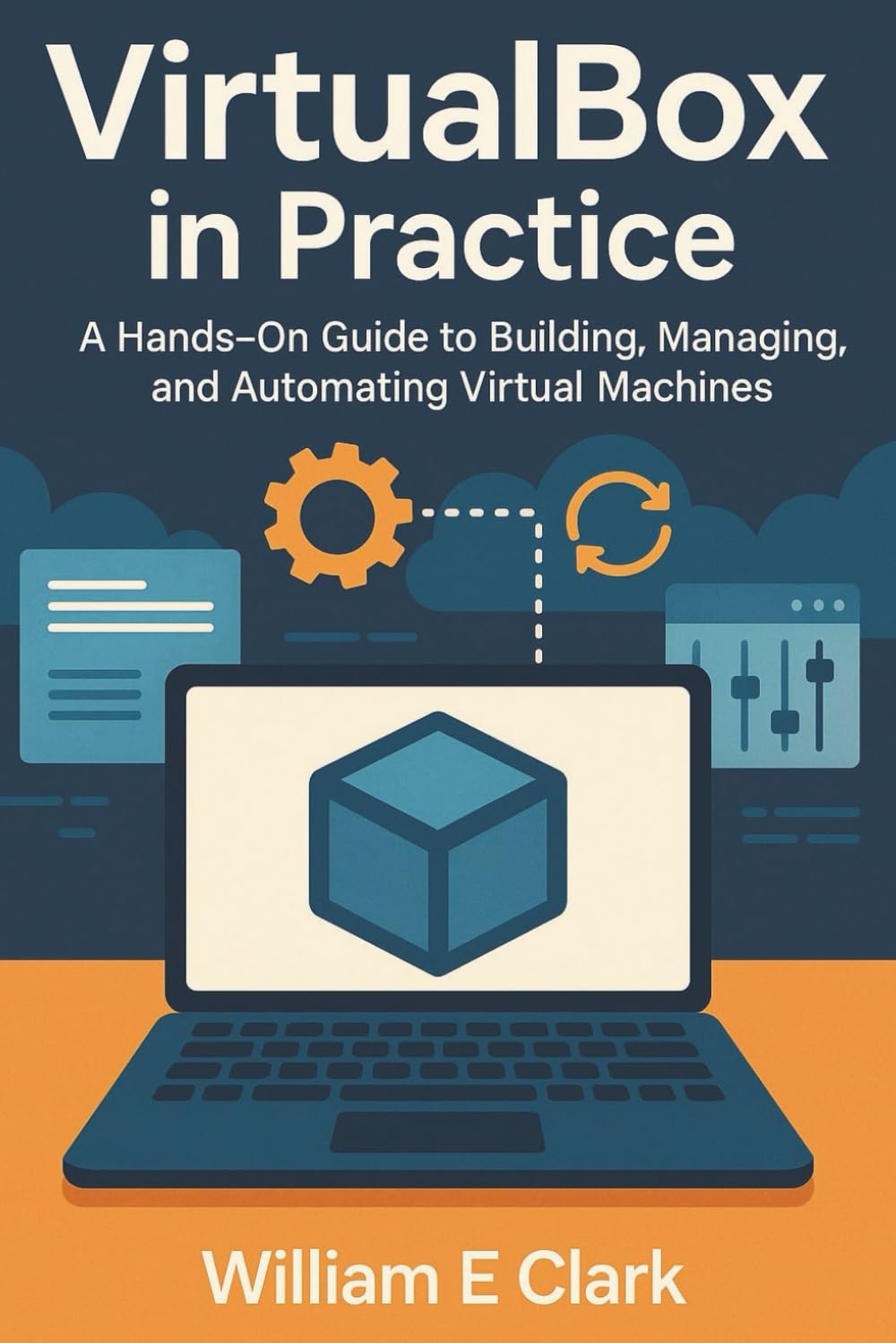




SKU/Artículo: AMZ-B0G1YCHZ73
VIRTUALBOX: THE COMPLETE VIRTUALIZATION GUIDE: CREATE DEVELOPMENT ENVIRONMENTS, TEST SYSTEMS, AND HOME LABS. WINDOWS, LINUX, MACOS VMS WITH NETWORKING, STORAGE, AND AUTOMATION
Format:
Paperback
Detalles del producto
Disponibilidad:
En stock
En stock
Peso con empaque:
0.38 kg
0.38 kg
Devolución:
Sí
Sí
Condición
Nuevo
Nuevo
Producto de:
Amazon
Amazon
Viaja desde
USA
USA
Sobre este producto
- Build reliable development environments, test systems, and home labs with VirtualBox, from clean installs to automated, production-grade workflows.Standing up stable Windows, Linux, and macOS VMs can be slow and fragile when hosts fight over virtualization, drivers fail to load, or networks behave differently on Wi Fi and wired adapters. Teams lose time repeating manual steps and chasing issues that start at the host, not the guest.This book gives you a complete, practical path to stable installs, realistic networking, fast templates, and automation you can trust. Each topic is grounded in field tested procedures, with clear host checks, VBoxManage examples, and operational guardrails.Install VirtualBox correctly on Windows, Linux, and macOS, handle Hyper V conflicts, DKMS and Secure Boot signing, and macOS system extension approvalsCreate fast unattended builds in the GUI and master full VBoxManage workflows, including createvm, storagectl, storageattach, and unattendedBuild production ready templates: Windows 11 with EFI, Secure Boot, vTPM 2.0, NVMe, tuned graphics, and a cloud friendly Linux base with SSH and paravirtualizationChoose and tune storage controllers, IDE, SATA, SCSI or SAS, NVMe, and manage VDI, VMDK, VHD with safe clone, convert, compact, and TRIM workflowsUse NAT, NAT Network, Bridged, Host Only, and Internal modes with clear guidance on when to use each, add DHCP and TFTP for PXE and unattended installsSolve Wi Fi bridged pitfalls, plan VLANs and trunks, and apply packet capture and port forwarding fallbacks that keep labs working on laptopsEnable 3D acceleration only when it helps, time Guest Additions correctly, select VMSVGA or VBoxSVGA, and size VRAM for stabilityRun headless with VBoxHeadless, add VRDE for remote display with authentication, encryption, and multi monitor support, and integrate with service or systemdAutomate with VBoxManage for list, showvminfo, startvm, controlvm, and snapshot, and drive the SDK through vboxwebsrv with a robust Python session patternUse Guest Control to copy files, run commands, wait for services, and assert exit codes for CI runners and repeatable test setupsAttach iSCSI targets with CHAP, map raw disks safely with guardrails, and mount VDI or VMDK from the host with vboximg mount for recoveryExport and import OVA or OVF, include NVRAM for EFI guests, and validate cross host migrationsBuild practical labs: router and firewall VMs with pfSense or VyOS, CI friendly templates with linked clones, multi node Kubernetes on a laptop, and a cross platform test matrixApply security and policy: Extension Pack licensing and PUEL scope, VM encryption and key handling, clipboard and drag or drop rules, shared folders, and firewall profilesUse troubleshooting playbooks for Hyper V detection and remediation, Linux module resigning and MOK enrollment, Wi Fi and bridged failures, and snapshot bloat cleanupThis is a code heavy guide. You get working VBoxManage commands, shell scripts, PowerShell examples, and systemd units that translate directly into real projects.Get the guide that turns VirtualBox into a dependable daily platform, then put it to work today.
AR$102.910
49% OFF
AR$52.778
IMPORT EASILY
By purchasing this product you can deduct VAT with your RUT number
AR$102.910
49% OFF
AR$52.778
 Llega en 8 a 12 días hábiles
con envío
 Tienes garantía de entrega
Este producto viaja
de USA ![]() a tus manos en
a tus manos en
![]()
 a tus manos en

Compra protegida
Disfruta de una experiencia de compra segura y confiable
Tarjetas de Crédito y Débito

Visa

Mastercard

American Express
Pagos a través de PayPal
Compra procesada en dólares con dinero en cuenta o tarjetas internacionales.

Paypal
Pagos a través de MODO
Compra procesada en pesos desde la App de tu banco.

PayPal

